

New accounts start on the waitlist. When you’re let in, Build, Run and Payments open up, and we let you know.
1
Create your free account
Go to foundable.com and choose Get Early Access. Then choose Continue with Google or Continue with Apple, or type your email and choose Continue.If you use your email, we send you a code. Type it in, and you’re signed in.
2
Tell Ted what to make
You’ll see Let’s create your business. Pick one way to start: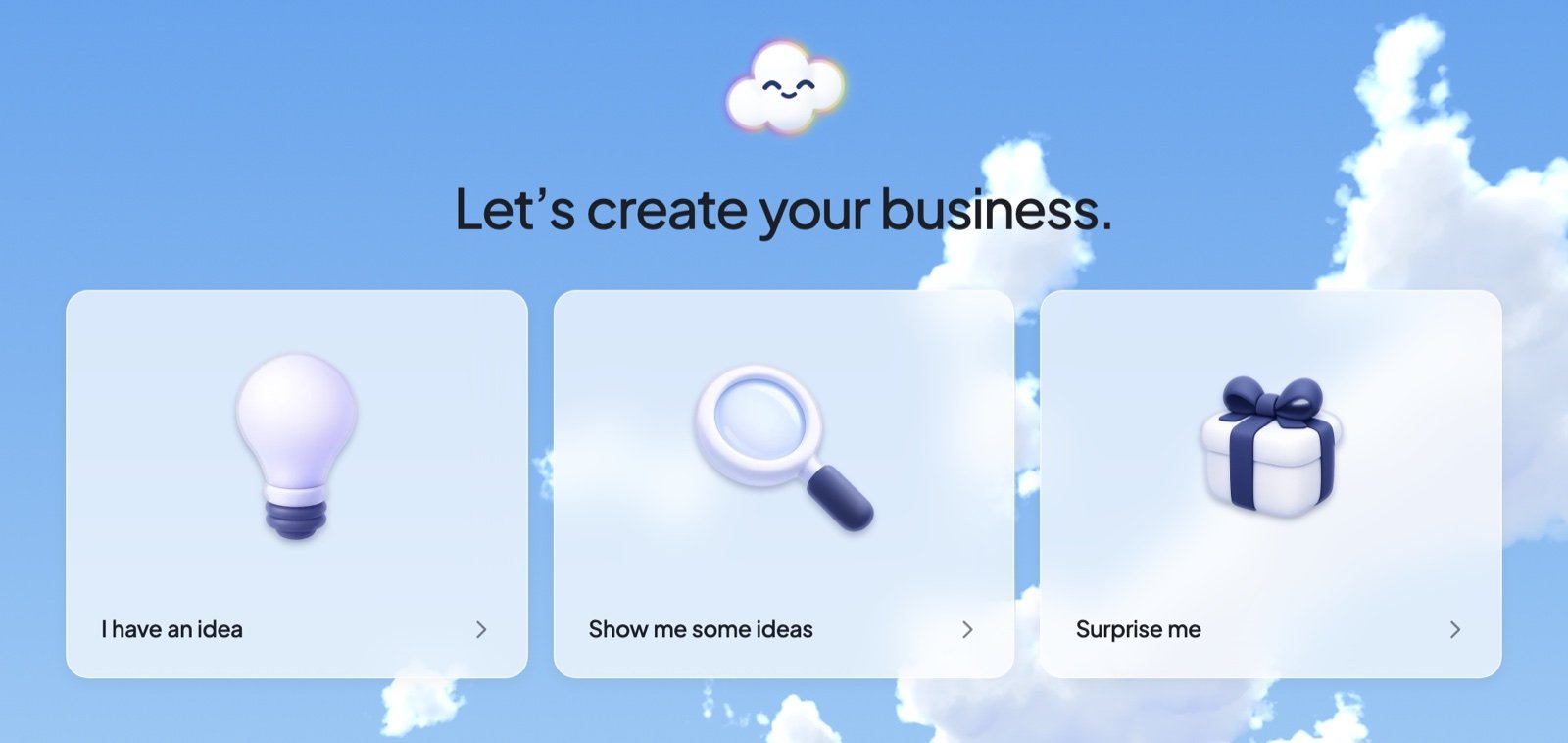
- I have an idea: tell Ted about it. Even one sentence is plenty.
- Show me some ideas: pick one of Ted’s ideas, and he starts building it right away.
- Surprise me: Ted chooses a business for you, plans it and makes your first build.
3
Look at your website
Your first website opens in Build. Only you can see it until you publish.
4
Publish it
Choose Publish at the top of Build, then Publish again. When you see Your website is live, choose Copy link to share it.
Keep going
Let Ted run your business
Turn Run on, and Ted works on your business by himself, pass after pass.
Build your website
Ask Ted for changes, check the preview, then publish.
Get paid with Payments
Sell from your website with Stripe.
Use your own domain
Give your website an address of its own.
Get help
Chat with our team or report a bug.