

1
Open Privacy & security
It’s in Settings, in the Account group.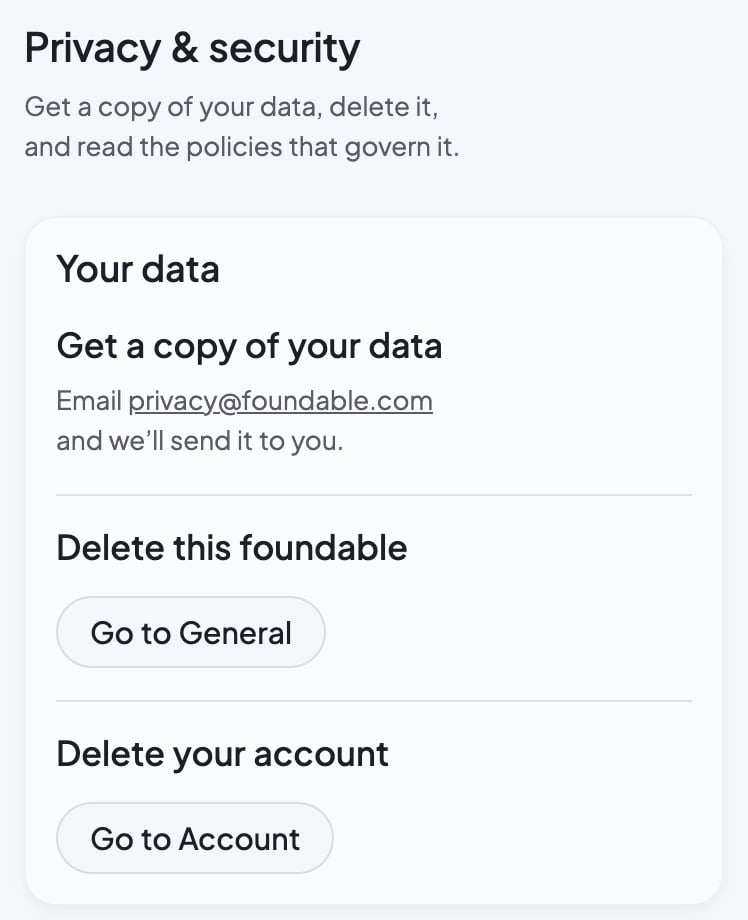
2
Ask for a copy
Email privacy@foundable.com, and the team will send you a copy. There’s no download button in the app: your copy comes by email. Do this before you delete your account. Send any other question about your data there too.
3
Read a policy
Under Legal & policies, press a page. Each one opens in a new tab.
- Privacy Policy: How we handle your data.
- Terms of Service: The rules for using Foundable.
- Subprocessors: Vendors that process customer data.
- Security: How we secure the platform.
- All legal documents: DPA, DMCA, cookies, and more.

Acceptable Use Policy
Refund & Dispute Policy
AI Disclosure
Cookie & Tracking Notice
Data Deletion Instructions
Domain Holding Agreement
Data Processing Addendum
Responsible Disclosure Policy
DMCA Notice & Takedown Policy
FAQ
Can I delete my data but keep my account?
Can I delete my data but keep my account?
You can delete a foundable and keep your account. To do it, press Go to General beside Delete this foundable. Only the owner can delete a foundable. See Delete a foundable.
Related

Delete your account
Close your account, and see what goes with it.

Switch, start or delete a foundable
Delete one foundable, or leave one you don’t own.

Get help
Talk to the team, or email them.