

1
Press Undo
Right after you delete a website, a note offers Undo. Press it, and the website comes back. If the note has gone, use Settings instead.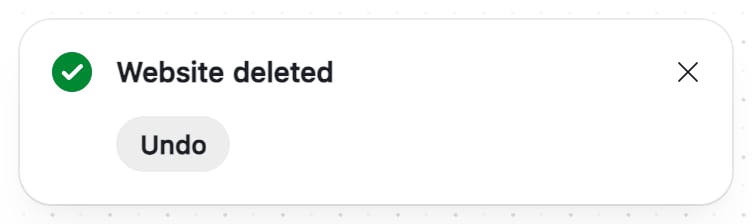
2
Or open General
Press your business’s name at the top left, then Settings. It opens on General. On a phone, go to More › Switch business › Settings › General. If the website was in another business, switch to that business first.
3
Find the website
Under Recently deleted websites, each website says until when it can come back.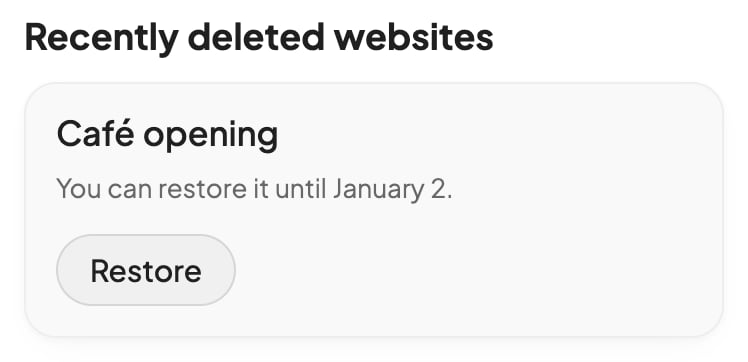
4
Press Restore
The website goes back to your Build board, and a note says so.
Check that it worked
Your website is back in Build, with its pages, versions and data. If it was live when you deleted it, it goes live again at its address, unless another website is live by then.If something goes wrong
Undo or Restore didn’t work
Undo or Restore didn’t work
A note says Foundable couldn’t restore the website or confirm the change. Check your Build board first: it may be back. If it isn’t, press Restore in Recently deleted websites. If the list doesn’t have it either, it can’t come back.
Your website came back offline
Your website came back offline
It goes live again only if it was live when you deleted it, and no other website is live now. If Foundable couldn’t publish it then, it stays offline too. To put it online, publish it.
General has no Recently deleted websites
General has no Recently deleted websites
It shows only while a website you deleted can still come back. View-only teammates don’t see it. This list arrived on Oct 30, 2026, so websites deleted before then aren’t in it.
FAQ
Does deleting my business keep its websites?
Does deleting my business keep its websites?
No. Deleting your business deletes its websites at once, the ones you deleted before too, and none can come back. See Delete a business.
Related

Find and manage your websites
Rename, copy or delete one.

Publish your website
Put your website online at its own address.