

1
2
Check the country
It starts on the United States. Each country in its list says how soon it comes.
3
Add your cell, if you like
Under Your cell, the owner can enter their phone’s number. When you call from it, Ted knows it’s you and does what you ask.
4
Press Get my number
It takes about a minute. Close the window if you like: a note says when it’s ready.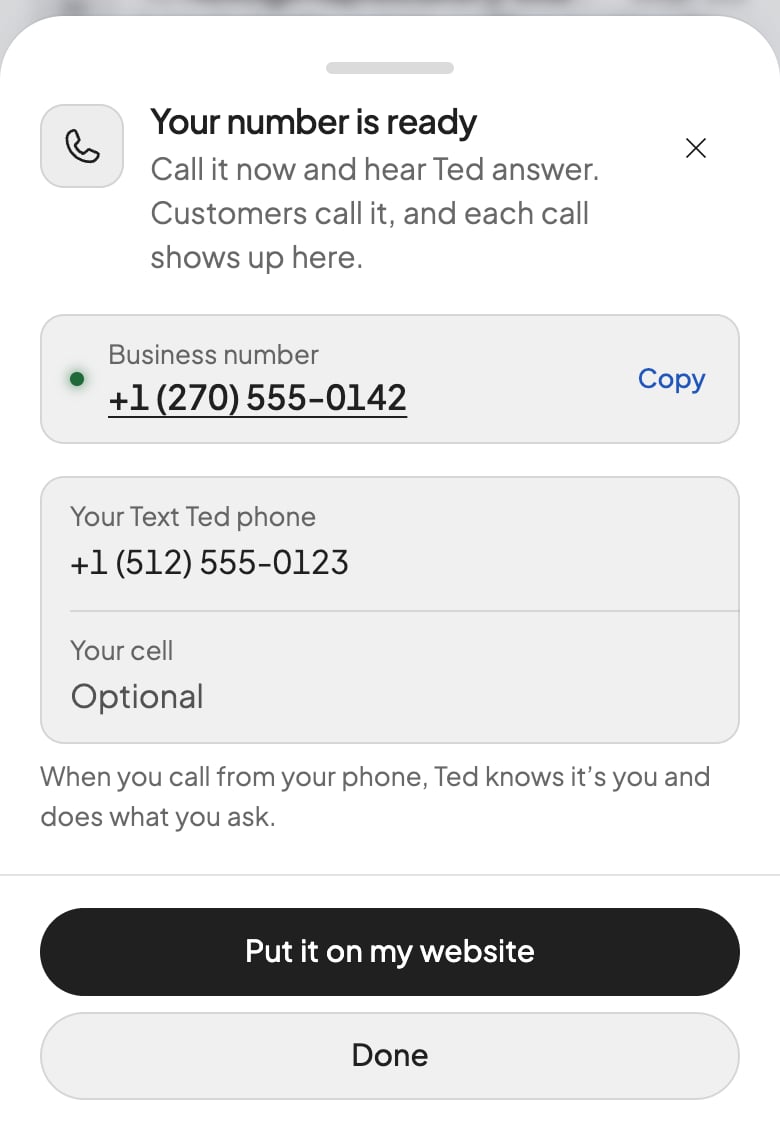
5
Put it on your website, if you have one
Until your first call, press Put it on my website, and Ted gets the request in your chat. After that, ask him yourself. Visitors see the change once you publish.
Check that it worked
Your number shows in the Inbox. Call it, and Ted answers: on a phone, press the number in the window. Your call shows under Phone.What Ted does on a call
Ted answers every call as your business and takes messages for you. He can tell you after, by text or email, as your settings allow. If a caller asks for a person, he can hand the call to your cell, or the phone you text him from. Each call’s card in the Inbox shows who called, Ted’s summary and what each side said. Phone’s + and − in Outreach decide whether his runs follow up on your calls and call people. He answers calls either way. To add or change your cell, press your number in the Inbox. WhatsApp can use this number, where its country allows.If something goes wrong
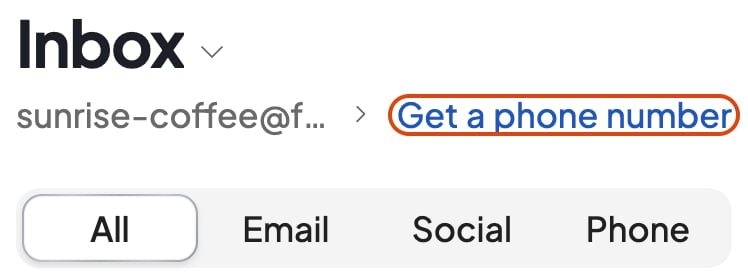
The plans open when you press Get a phone number
The plans open when you press Get a phone number
Choose Pro or Max, and the welcome window’s Get a phone number gets a United States number.
“One form for your number”
“One form for your number”
This country asks for a form first. Press Fill in the form and send it: your number comes 1 to 3 business days after. Choose another country works at any step.
“Your form wasn’t accepted”
“Your form wasn’t accepted”
The window says why, if the country gave one. Press Fill in the form again, or Choose another country.
“Couldn’t get your number. Try again.”
“Couldn’t get your number. Try again.”
Press Get my number again. If it keeps happening, contact support.
“Nothing was said on this call.”
“Nothing was said on this call.”
Foundable has no words from this call, though someone may have spoken.
FAQ
Does the number cost extra?
Does the number cost extra?
No: Pro and Max include it. Each call uses your credits, counted under Ted. With none left, Ted takes callers’ messages.
Can Ted call people from it?
Can Ted call people from it?
Yes. Ask him to call someone, and he tells you how it went.
What happens to my number if my plan changes?
What happens to my number if my plan changes?
If your plan no longer includes a number, Foundable lets it go at a month’s end. A number you bought with credits earlier stays while your credits pay for it.
Related

Your Inbox
Email, messages and calls.

Compare what each plan includes
What Pro and Max add.